


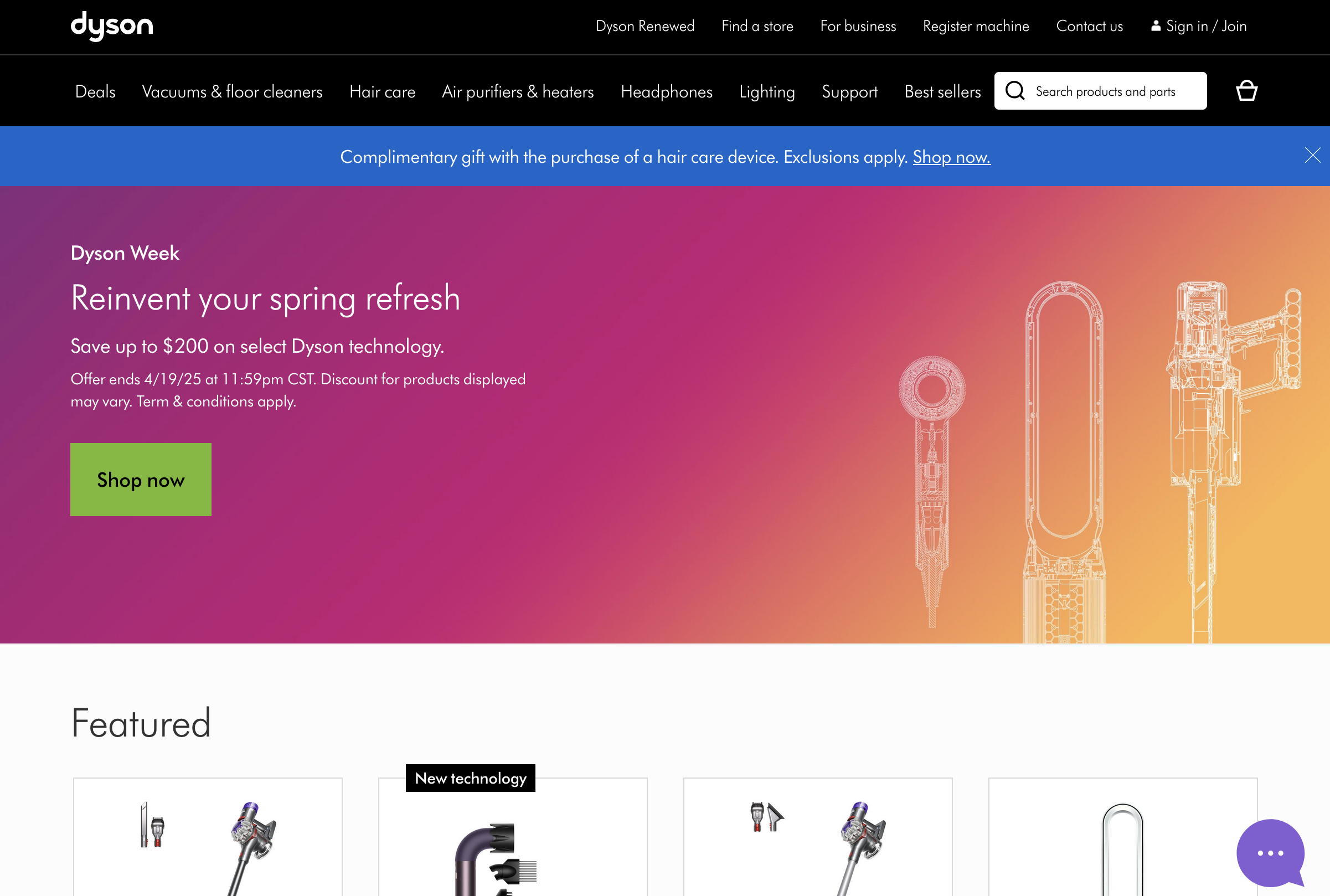
If you’ve read my guide to resident drops elsewhere, you know that if there’s one thing at the top of the list of what these resident drops are buying, it’s Dyson. And for good reason. These premium vacuums and hairdressing beasts are moving serious equipment with hefty price tags.
Most hobby carders are wasting their time on junk targets, while these $400-$900 appliances retain 70-80% of their retail value when resold. Their Airwrap retails for $600 and sells for $450+.
Dyson
Dysons are extremely liquid — the Apple of appliances. Everyone wants these products, and they’ll pay top dollar for them. Buy a $600 Airwrap or a $700 vacuum and resell it the same day for $450-$550 cash. No special knowledge is required, there are no seasonal declines in demand - just expensive technologies that change rapidly all year round.
And the best part is, there's no 3DS on the site itself. While you're struggling with listing all your NON-VBV bins, the people who card Dyson are getting through the checkout process as smooth as butter.
Security Analysis
After digging through the checkout process with Burp Suite, here's what we're dealing with:
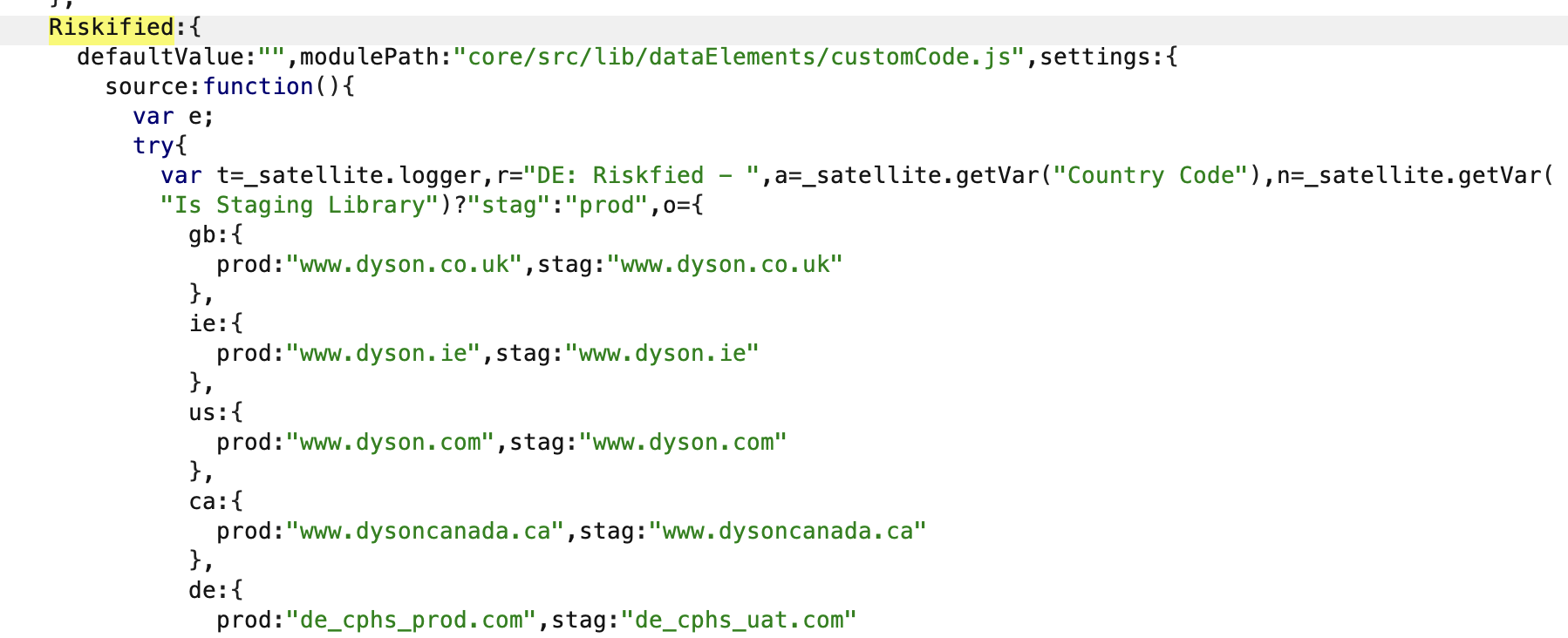
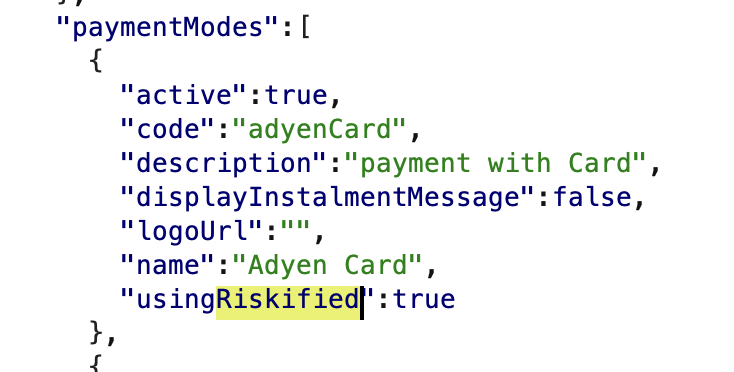
Dyson uses Adyen as its payment processor, but most of the heavy lifting in combating fraud is done by Riskified. This isn't some home-grown nonsense cobbled together by their IT department. Their system focuses on device fingerprinting patterns and speed checks. If you look suspicious to Riskified, you're screwed.

The best part is that there is no 3D Secure at all. Which is weird considering it runs Adyen. My entire house is filled with Dyson gear - vacuums, hair dryers, air purifiers - you name it. Not once have I received a 3DS request with any BIN I've used. But I don't know about you, you can use the dirtiest proxy with the lousiest $1 card, so don't be surprised if you get some verification crap thrown at you.
It’s worth noting that using Riskified means they operate on a tiered risk system. Highly suspicious transactions are cancelled immediately – game over. But medium-risk orders are where Dyson’s fraud team starts making outbound verification calls. They call the number on file to “confirm the details” before processing. That’s why it’s important to have a real voice on the other end, not some VOIP nonsense or some random phone number. Answer that call with confidence and you could save what would otherwise be a dead transaction.
Riskified Cookies
Riskified doesn’t just track your IP and payment details – they track your digital footprints through their cookie network. As described in my cookie and referrer guide: Strategic Carding: Cookies and Referrers, they’re not just trackers – they’re your digital alibi when fraud prevention systems are watching you.
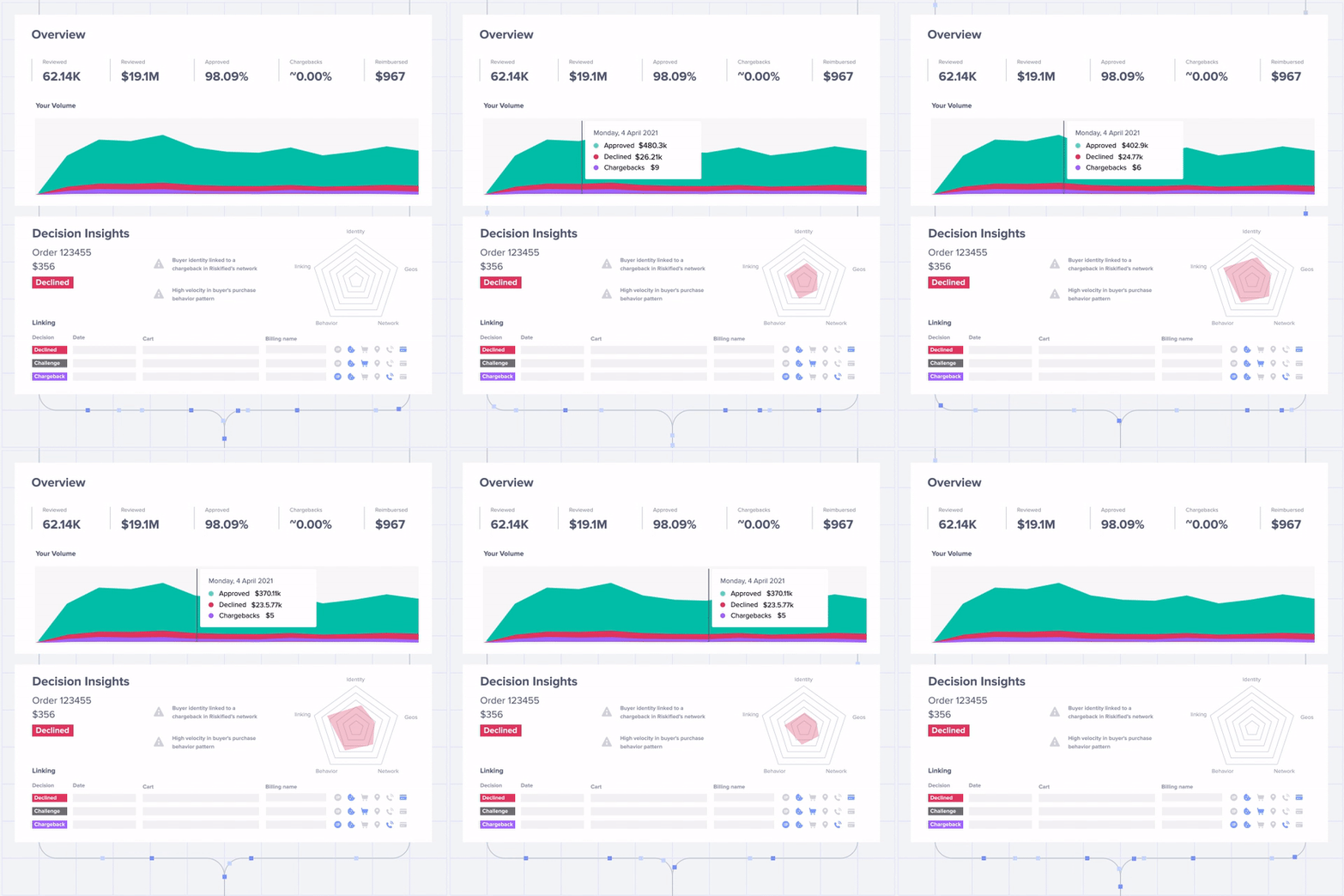
Riskified works on hundreds of e-commerce platforms, sharing data between them.
The trick to getting around them:
Use BuiltWith and others to find other stores powered by Riskified. Search for “Riskified” in their technology profiles to get a list. Before you go to Dyson, spend 10 to 15 minutes on these linked sites — adding items to your cart, checking product reviews, browsing categories. This will create a legitimate cross-site cookie profile that Riskified will recognize when you land on Dyson.

iPhone users have it tougher, as iOS doesn’t allow for easy automation. This is where anti-detect browsers earn their keep. Tools like Linken Sphere have automated warm-up features that simulate natural browsing across multiple sites, making your fingerprint look like a normal shopper rather than a new scam attempt.
The difference between warming up a profile and going cold is huge. Properly warmed-up sessions can achieve a 70-80% success rate, while cold browsers are flagged almost immediately. Riskified isn’t looking for perfect customers — they’re hunting for patterns that don’t match normal shopping behavior.
Tools You’ll Need
To successfully hit Dyson, first gather this:
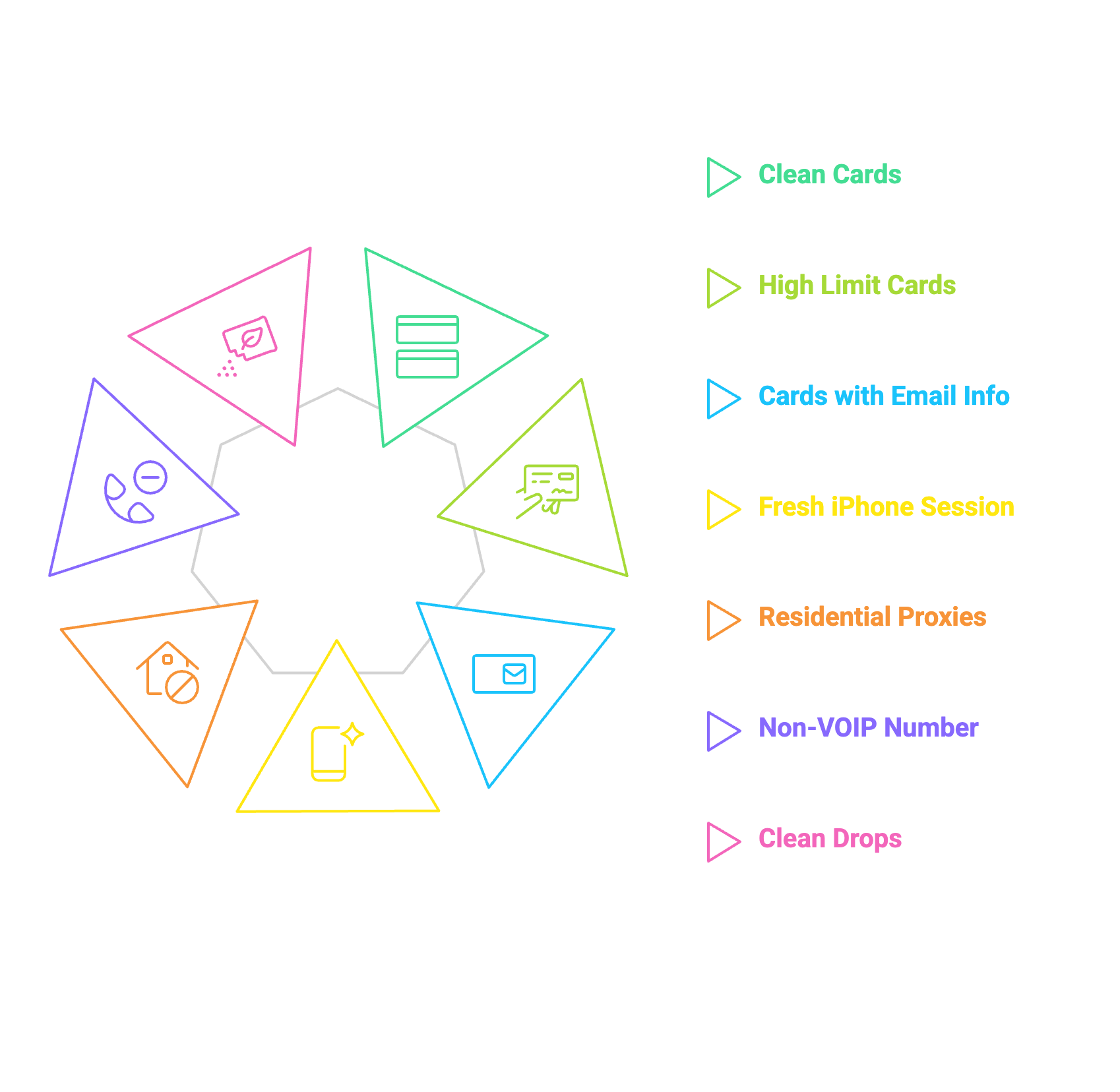
Card requirements:
Technical setup:
 WARNING
One of the ways anti-fraud systems detect and reject your transactions is by checking whether the card has been used elsewhere. This means that cards that are resold at multiple stores and frequently re-checked for validity will be rejected outright.
Luckily, BinX has a free tool that will help you assess whether the card you are about to buy is being resold at multiple stores. And the best part is that it’s all FREE:
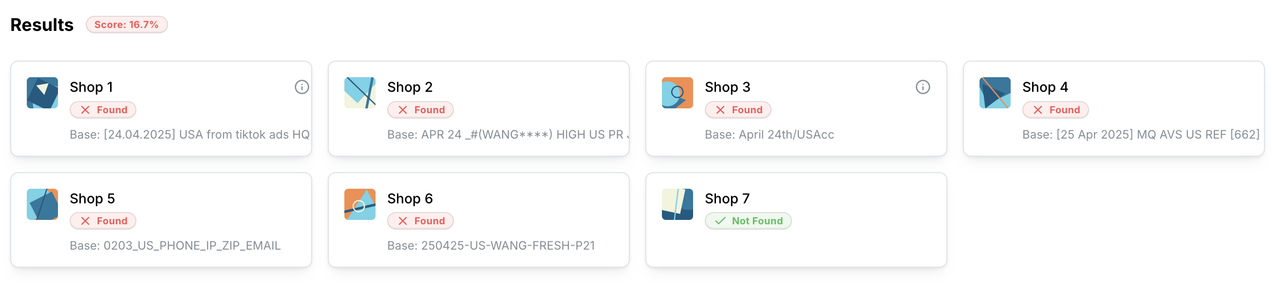
Now you will know if the card is bad before you buy it.
Check it at the link: https://binx.cc/tools/resell
BinX.CC | BinX.PW
Execution Strategy
Money is moved when you place an order:

“Payment authorization issue”
The most common stumbling block you’ll encounter is the dreaded “payment authorization issue” email. This is Dyson’s way of saying, “We think you’re talking nonsense, but we’re too polite to say so outright.”
When this happens, you have two options:
Option 1: Call
Contact customer service and pretend to be a confused, slightly annoyed legitimate customer. “I don’t understand why my order was cancelled. I use this card all the time!” Their fraud team may ask basic questions to verify your card and payment details. Answer confidently, but don’t volunteer any additional information. After that, your next order will be processed without issue.
Option 2: Re-strategize
If your setup is screwed (unusual device fingerprints or suspicious proxies), reset it and start over. Trying again with the same setup is a waste of cards.
Reality Check
Dyson is a solid target – premium products with high resale value, decent security that can be beaten, and easy resale. Their main defense is Riskified device fingerprints, so you have to use the card email to make transactions without a hitch.
The biggest challenge is not getting around 3DS (since they don’t use it in the US), but creating a setup that passes Riskified’s risk assessment. If your device, behavior, and data look legitimate, you’ve won a big part of the battle.
Now stop wasting your time on low-value crap and buy some premium appliances before they plug those holes.
(c) Telegram: d0ctrine
Our Telegram chat: BinX Labs
Most hobby carders are wasting their time on junk targets, while these $400-$900 appliances retain 70-80% of their retail value when resold. Their Airwrap retails for $600 and sells for $450+.
Dyson
Dysons are extremely liquid — the Apple of appliances. Everyone wants these products, and they’ll pay top dollar for them. Buy a $600 Airwrap or a $700 vacuum and resell it the same day for $450-$550 cash. No special knowledge is required, there are no seasonal declines in demand - just expensive technologies that change rapidly all year round.
And the best part is, there's no 3DS on the site itself. While you're struggling with listing all your NON-VBV bins, the people who card Dyson are getting through the checkout process as smooth as butter.
Security Analysis
After digging through the checkout process with Burp Suite, here's what we're dealing with:
Dyson uses Adyen as its payment processor, but most of the heavy lifting in combating fraud is done by Riskified. This isn't some home-grown nonsense cobbled together by their IT department. Their system focuses on device fingerprinting patterns and speed checks. If you look suspicious to Riskified, you're screwed.
The best part is that there is no 3D Secure at all. Which is weird considering it runs Adyen. My entire house is filled with Dyson gear - vacuums, hair dryers, air purifiers - you name it. Not once have I received a 3DS request with any BIN I've used. But I don't know about you, you can use the dirtiest proxy with the lousiest $1 card, so don't be surprised if you get some verification crap thrown at you.
It’s worth noting that using Riskified means they operate on a tiered risk system. Highly suspicious transactions are cancelled immediately – game over. But medium-risk orders are where Dyson’s fraud team starts making outbound verification calls. They call the number on file to “confirm the details” before processing. That’s why it’s important to have a real voice on the other end, not some VOIP nonsense or some random phone number. Answer that call with confidence and you could save what would otherwise be a dead transaction.
Riskified Cookies
Riskified doesn’t just track your IP and payment details – they track your digital footprints through their cookie network. As described in my cookie and referrer guide: Strategic Carding: Cookies and Referrers, they’re not just trackers – they’re your digital alibi when fraud prevention systems are watching you.
Riskified works on hundreds of e-commerce platforms, sharing data between them.
The trick to getting around them:
Use BuiltWith and others to find other stores powered by Riskified. Search for “Riskified” in their technology profiles to get a list. Before you go to Dyson, spend 10 to 15 minutes on these linked sites — adding items to your cart, checking product reviews, browsing categories. This will create a legitimate cross-site cookie profile that Riskified will recognize when you land on Dyson.
iPhone users have it tougher, as iOS doesn’t allow for easy automation. This is where anti-detect browsers earn their keep. Tools like Linken Sphere have automated warm-up features that simulate natural browsing across multiple sites, making your fingerprint look like a normal shopper rather than a new scam attempt.
The difference between warming up a profile and going cold is huge. Properly warmed-up sessions can achieve a 70-80% success rate, while cold browsers are flagged almost immediately. Riskified isn’t looking for perfect customers — they’re hunting for patterns that don’t match normal shopping behavior.
Tools You’ll Need
To successfully hit Dyson, first gather this:
Card requirements:
- Clear maps that match your setup location (they don't have to be NON-VBV as Dyson US doesn't use 3DS in my experience)
- High Limit Bin Cards
- Cards with the cardholder's email address - this is important for our risky trick
Technical setup:
- New iPhone with clean browser (or Linken if you want to use the warm up route)
- Residential proxies that EXACTLY match your card's billing status
- Voice non-VOIP number for test calls
- Clean drops with no history of fraud
WARNING One of the ways anti-fraud systems detect and reject your transactions is by checking whether the card has been used elsewhere. This means that cards that are resold at multiple stores and frequently re-checked for validity will be rejected outright.
Luckily, BinX has a free tool that will help you assess whether the card you are about to buy is being resold at multiple stores. And the best part is that it’s all FREE:
Now you will know if the card is bad before you buy it.
Check it at the link: https://binx.cc/tools/resell
BinX.CC | BinX.PW
Execution Strategy
Money is moved when you place an order:
- First, warm up your Riskified profile on related sites (this is completely optional as described above).
- Create a new Dyson account using the cardholder's actual email address - Dyson doesn't check it - and if it has a history with Riskified, which most people in the US who aren't living in a cave will do, you'll get a boost in trust and assurance that your item will be shipped.
- Select your product.


- Add your drop address.

- Enter a number where you can receive calls - expect potential verification calls.
- After confirming the order, send spam to the cardholder's email address using spambots.
“Payment authorization issue”
The most common stumbling block you’ll encounter is the dreaded “payment authorization issue” email. This is Dyson’s way of saying, “We think you’re talking nonsense, but we’re too polite to say so outright.”
When this happens, you have two options:
Option 1: Call
Contact customer service and pretend to be a confused, slightly annoyed legitimate customer. “I don’t understand why my order was cancelled. I use this card all the time!” Their fraud team may ask basic questions to verify your card and payment details. Answer confidently, but don’t volunteer any additional information. After that, your next order will be processed without issue.
Option 2: Re-strategize
If your setup is screwed (unusual device fingerprints or suspicious proxies), reset it and start over. Trying again with the same setup is a waste of cards.
Reality Check
Dyson is a solid target – premium products with high resale value, decent security that can be beaten, and easy resale. Their main defense is Riskified device fingerprints, so you have to use the card email to make transactions without a hitch.
The biggest challenge is not getting around 3DS (since they don’t use it in the US), but creating a setup that passes Riskified’s risk assessment. If your device, behavior, and data look legitimate, you’ve won a big part of the battle.
Now stop wasting your time on low-value crap and buy some premium appliances before they plug those holes.
(c) Telegram: d0ctrine
Our Telegram chat: BinX Labs
