

When I wrote “Strategic Carding: Getting the Cleanest IPs Possible”, I didn’t expect that many people would like it and use it regularly. It did what it was supposed to do, and now a lot of people have access to high-quality, clean residential proxies.
But it’s not always all roses and butterflies: lately, people have been having issues with the DNS settings on their anti-detection servers. Often, popular anti-detection servers have trouble resolving DNS properly, which leads to intermittent connections, often causing many people to even have trouble connecting in the first place. So today, I’m writing this guide to help everyone have clean, fast residential proxies once and for all.
The Theory
If you read my previous guide on this, the working theory is simple: we need proxy providers that block financial sites because this ensures that the proxies are not being used for scams and gives us an extremely high chance of not being blocked due to past history.

The way we can get around this bypass is basically by using our own DNS resolver, since these proxy servers block access via financial sites via DNS blocking. It's pretty simple: we use a different DNS (something like 1.1.1.1) than the proxy server, so we resolve and don't get blocked on financial sites.
The problem is that there is no uniform way that agtidetect browsers handle DNS resolution, and this leads to many people complaining and having problems with this method.
Proxy Script
You don't have to rely on third-party software with a billion features when all you need is the one thing you need. I got tired of watching newbies struggle with complicated proxy settings, so I wrote my own lightweight Python script that does exactly what we need - nothing more, nothing less.
This script sits between your browser and your proxy provider, intercepting those DNS requests and routing them through Cloudflares 1.1.1.1 instead of the bad DNS your proxy provider is forcing on you. It’s clean, it’s efficient, it doesn’t require a PhD in networking to set up, and best of all, it works with all existing anti-detection tools.
The beauty of this approach is its simplicity. No need to fiddle with system-level network settings or wrestle with fancy browser anti-detection implementations. Just run the script, point your browser to a local port, and you’ll have clean access to financial sites via clean residential IP addresses.
Here’s the actual code that does the magic:
Python:
https://notepad.pw/code/nmaqpeQFVlqZvWKKlOox
Step by step installation guide
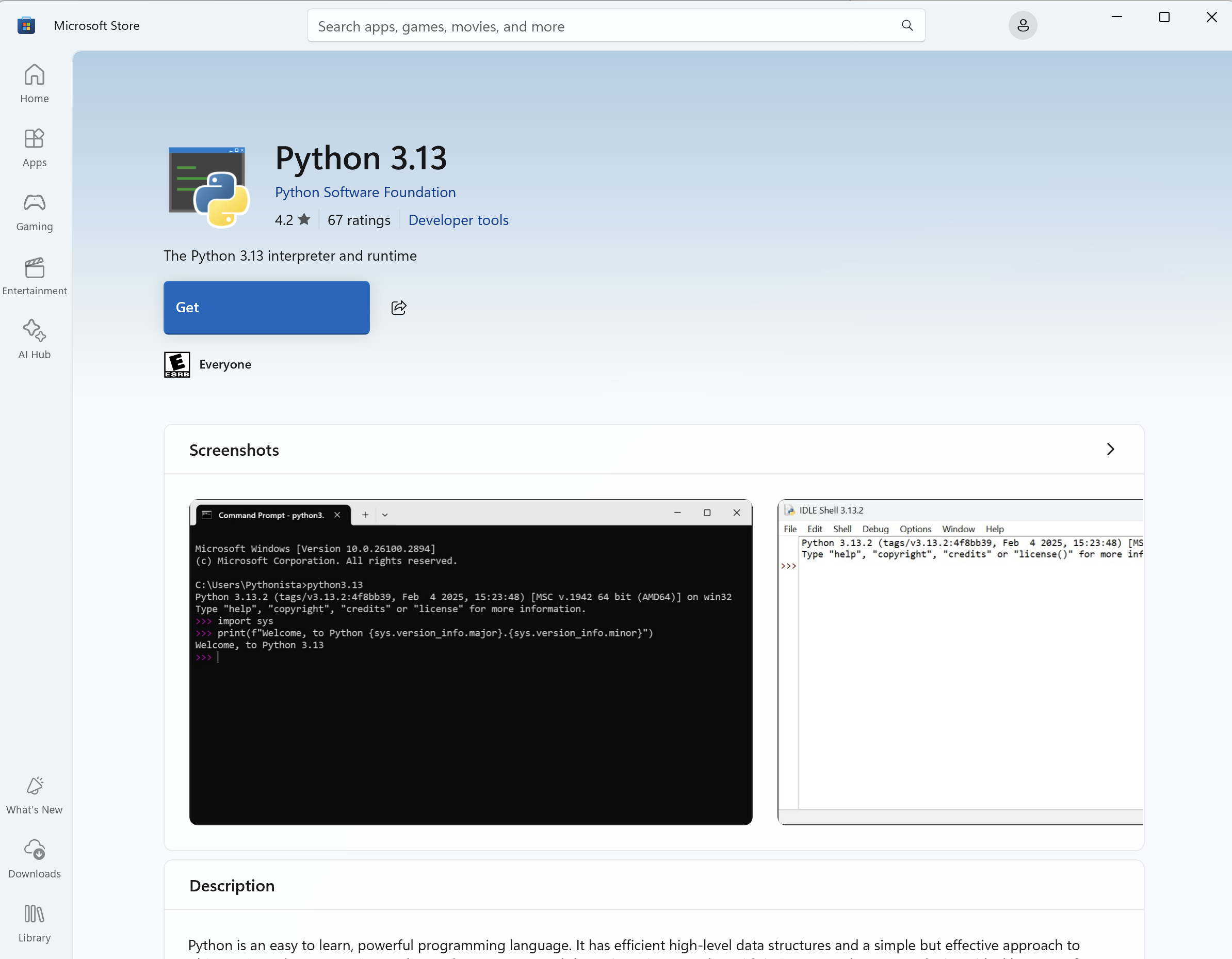
Step 1: Install Python 3.13
Step 2: Create a project directory
Step 3: Create a virtual environment
Step 4: Installing the required packages
Step 5: Create a proxy script
Step 6: Start the proxy
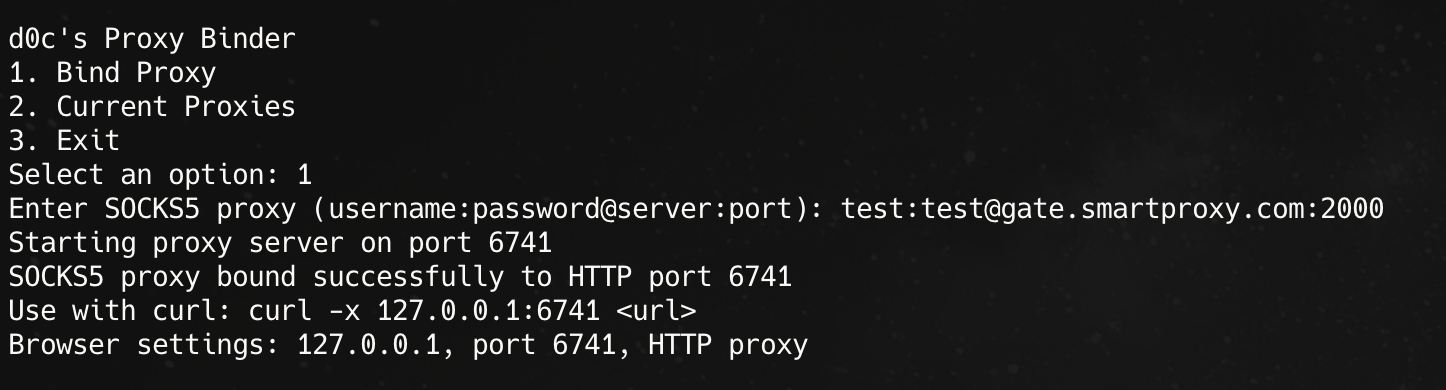
Step 7: Bind SOCKS5 proxy

Step 8: Configure your browser to use a proxy
Step 9: Test if your setup works.
Now it's time to make sure this thing actually works:
Conclusion
This method is the digital equivalent of disguising yourself and sneaking past the bouncer. Your browser connects to my local proxy script, which handles DNS resolution through Cloudflare’s clean 1.1.1.1 servers, then forwards everything through your residential proxy.
Why is this better than other methods? Simple – it’s transparent. You can see exactly what the code is doing, change it if needed, and it works with any browser that supports HTTP proxies – no more compatibility issues.
Proxy providers think you’re just accessing random IP addresses, when in fact you’re accessing financial sites without triggering their bans. This is the perfect solution for carders who want clean IP addresses that can reliably access payment processors.
Now stop fiddling with broken settings and use a tool built specifically for our needs.
(c) Contact the author here: d0ctrine
But it’s not always all roses and butterflies: lately, people have been having issues with the DNS settings on their anti-detection servers. Often, popular anti-detection servers have trouble resolving DNS properly, which leads to intermittent connections, often causing many people to even have trouble connecting in the first place. So today, I’m writing this guide to help everyone have clean, fast residential proxies once and for all.
The Theory
If you read my previous guide on this, the working theory is simple: we need proxy providers that block financial sites because this ensures that the proxies are not being used for scams and gives us an extremely high chance of not being blocked due to past history.
The way we can get around this bypass is basically by using our own DNS resolver, since these proxy servers block access via financial sites via DNS blocking. It's pretty simple: we use a different DNS (something like 1.1.1.1) than the proxy server, so we resolve and don't get blocked on financial sites.
The problem is that there is no uniform way that agtidetect browsers handle DNS resolution, and this leads to many people complaining and having problems with this method.
Proxy Script
You don't have to rely on third-party software with a billion features when all you need is the one thing you need. I got tired of watching newbies struggle with complicated proxy settings, so I wrote my own lightweight Python script that does exactly what we need - nothing more, nothing less.
This script sits between your browser and your proxy provider, intercepting those DNS requests and routing them through Cloudflares 1.1.1.1 instead of the bad DNS your proxy provider is forcing on you. It’s clean, it’s efficient, it doesn’t require a PhD in networking to set up, and best of all, it works with all existing anti-detection tools.
The beauty of this approach is its simplicity. No need to fiddle with system-level network settings or wrestle with fancy browser anti-detection implementations. Just run the script, point your browser to a local port, and you’ll have clean access to financial sites via clean residential IP addresses.
Here’s the actual code that does the magic:
Python:
https://notepad.pw/code/nmaqpeQFVlqZvWKKlOox
Step by step installation guide
Step 1: Install Python 3.13
- Open Microsoft Store on your Windows computer.
- Search for "Python 3.13" in the search bar.
- Click on the Python 3.13 app from Microsoft or the Python Software Foundation.
- Click "Get" or "Install" and wait for the installation to complete.
- After installation, click Open or close Microsoft Store.
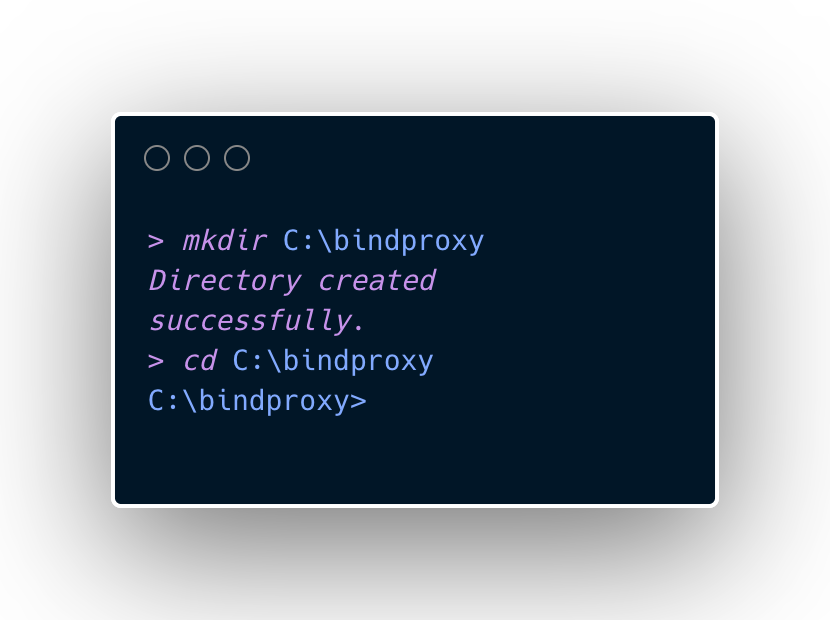
Step 2: Create a project directory
- Open a command prompt (press Windows+R, type "cmd" and press Enter)
- Create a directory for the project:
Code:
mkdir C:\bindproxy
cd C:\bindproxy
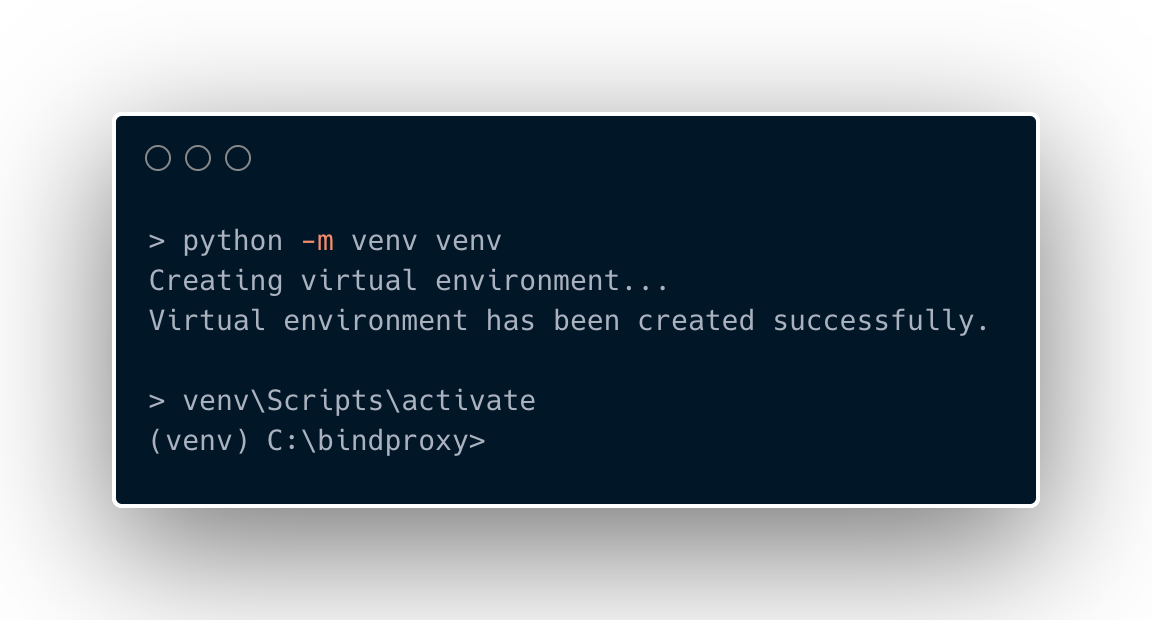
Step 3: Create a virtual environment
- Create a virtual environment to manage dependencies:
Code:
python -m venv venv- Activate the virtual environment:
Code:
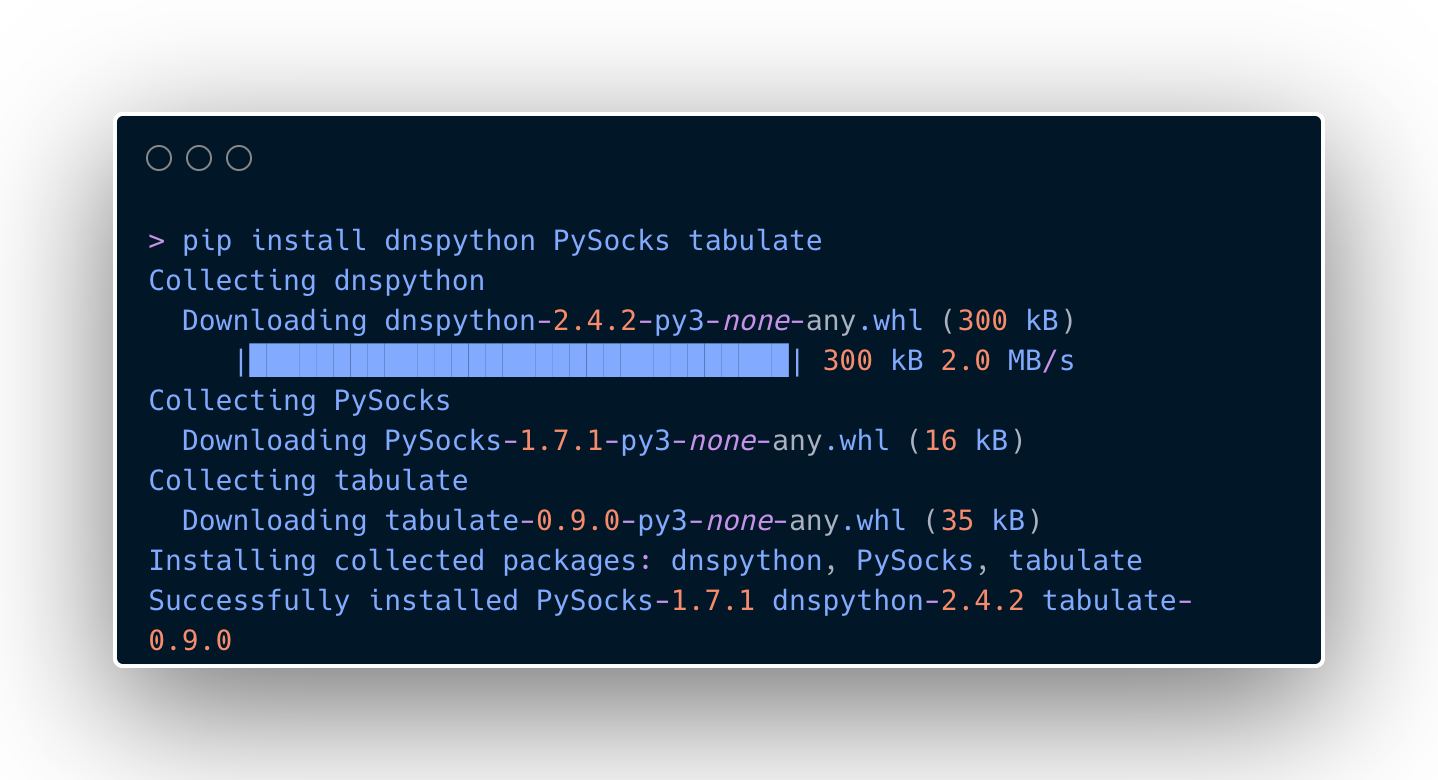
venv\Scripts\activateStep 4: Installing the required packages
- Once in the virtual environment (you'll see (venv) at the top of the command line), install the necessary packages:
Code:
pip install dnspython PySocks tabulateStep 5: Create a proxy script
- Create a new file named bindproxy.py in your project directory using any text editor (Notepad, VS Code, etc.).
- Copy all the code above into this file and save it.
Step 6: Start the proxy
- In the command line with the virtual environment activated, run:
Code:
python bindproxy.py- You will see the main menu:
Code:
d0c's Proxy Binder
1. Bind Proxy
2. Current Proxies
3. Exit
Step 7: Bind SOCKS5 proxy
- Select option 1 by typing 1 and pressing Enter.
- When prompted, enter your SOCKS5 proxy details:
- Format: username: password@server
 ort
ort - Example: user123: [email protected]:1080
- Format: username: password@server
- The tool will bind this proxy to a random local port in the range 6700-6900.
Step 8: Configure your browser to use a proxy
- Open your web browser or your antidetect
- Set HTTP proxy to 127.0.0.1 and port to the one shown in the tool (e.g. 6708)
- Check your connection by visiting the website
Step 9: Test if your setup works.
Now it's time to make sure this thing actually works:
- Visit ipinfo.io in your browser - it should show your home IP address from your proxy provider, not your real IP address.
- Go to DNSLeakTest.com and run the standard test - the results should show Cloudflare DNS (not your ISP or proxy provider) (I've covered this before, but be sure to use the double barrier approach if you're using a proxy outside your home country, as 1.1.1.1 connects to the closest CDN CF, and not having a VPN will leak your country through 1.1.1.1).
- Go to https://1.1.1.1/help - this Cloudflare diagnostic page will confirm if you are indeed using their DNS.
- Moment of truth: go to https://api.stripe.com - if it loads and doesn't disconnect, congratulations! You've successfully bypassed the financial site proxy block
Conclusion
This method is the digital equivalent of disguising yourself and sneaking past the bouncer. Your browser connects to my local proxy script, which handles DNS resolution through Cloudflare’s clean 1.1.1.1 servers, then forwards everything through your residential proxy.
Why is this better than other methods? Simple – it’s transparent. You can see exactly what the code is doing, change it if needed, and it works with any browser that supports HTTP proxies – no more compatibility issues.
Proxy providers think you’re just accessing random IP addresses, when in fact you’re accessing financial sites without triggering their bans. This is the perfect solution for carders who want clean IP addresses that can reliably access payment processors.
Now stop fiddling with broken settings and use a tool built specifically for our needs.
(c) Contact the author here: d0ctrine
